 Start here
Prototype in a weekend
From empty project to a moving character, a level and a goal — the smallest thing that's actually a game.
6 tutorials · beginner
Game dev tutorials · Goiânia
ByteLoom is a game-development blog you follow along with. Every guide is a worked example — open your editor, type what I type, and end each one with something that runs. We start at a blank prototype and don't stop until it's playable.
Why ByteLoom
Most guides stop at the fun demo. ByteLoom keeps going — into the messy middle where real games are actually made.
Every lesson is a build. You end with running code and a small feature you understand, not a video you nodded through.
Guides connect. Finish a track and the pieces add up to a playable build, with the architecture that holds it together.
Behind-the-scenes notes on what broke and why — the decisions and detours a clean tutorial usually hides.
Latest tutorials
Read them standalone or top to bottom — each builds a little more of a small platformer we grow across the series.
The few frames of forgiveness after leaving a ledge that make jumping feel fair. We add it in about forty lines and tune it by feel.
Idle, run, jump, fall — untangled from one giant update function into states you can actually reason about and extend.
Get your level layout out of code and into editable data, so you can design a stage without recompiling. Parser included.
The cheap, high-impact touches that make an action feel good. Three small systems, each in its own short lesson.
From "runs on my machine" to a file a friend can actually open — settings, icons, and the checklist I run before every share.
The full catalog
Scan the whole library in one place — which track a lesson belongs to, how hard it is, how long it takes and whether it's free or part of the bundle. Pick a row and start typing.
| Lesson | Track | Level | Build time | Access |
|---|---|---|---|---|
| Give your character coyote time | Prototype in a weekend | Beginner | ~40 min | Free |
| A tiny state machine for movement | Systems that scale | Intermediate | ~90 min | Bundle |
| Loading levels from text files | Systems that scale | Intermediate | ~75 min | Bundle |
| Juice: shake, hit-stop & particles | Prototype in a weekend | Beginner | ~60 min | Free |
| Save files that survive updates | Systems that scale | Advanced | ~2 hrs | Bundle |
| Packaging your first playable build | From playable to shared | All levels | ~50 min | Bundle |
Free lessons stay free forever. The bundle unlocks the rest of the catalog, the source projects and the workshop recordings — see the tiers below.
Learning tracks
Each track is a sequence of tutorials that ends in a finished, playable thing. Start wherever your level fits.
Start hereFrom empty project to a moving character, a level and a goal — the smallest thing that's actually a game.
6 tutorials · beginner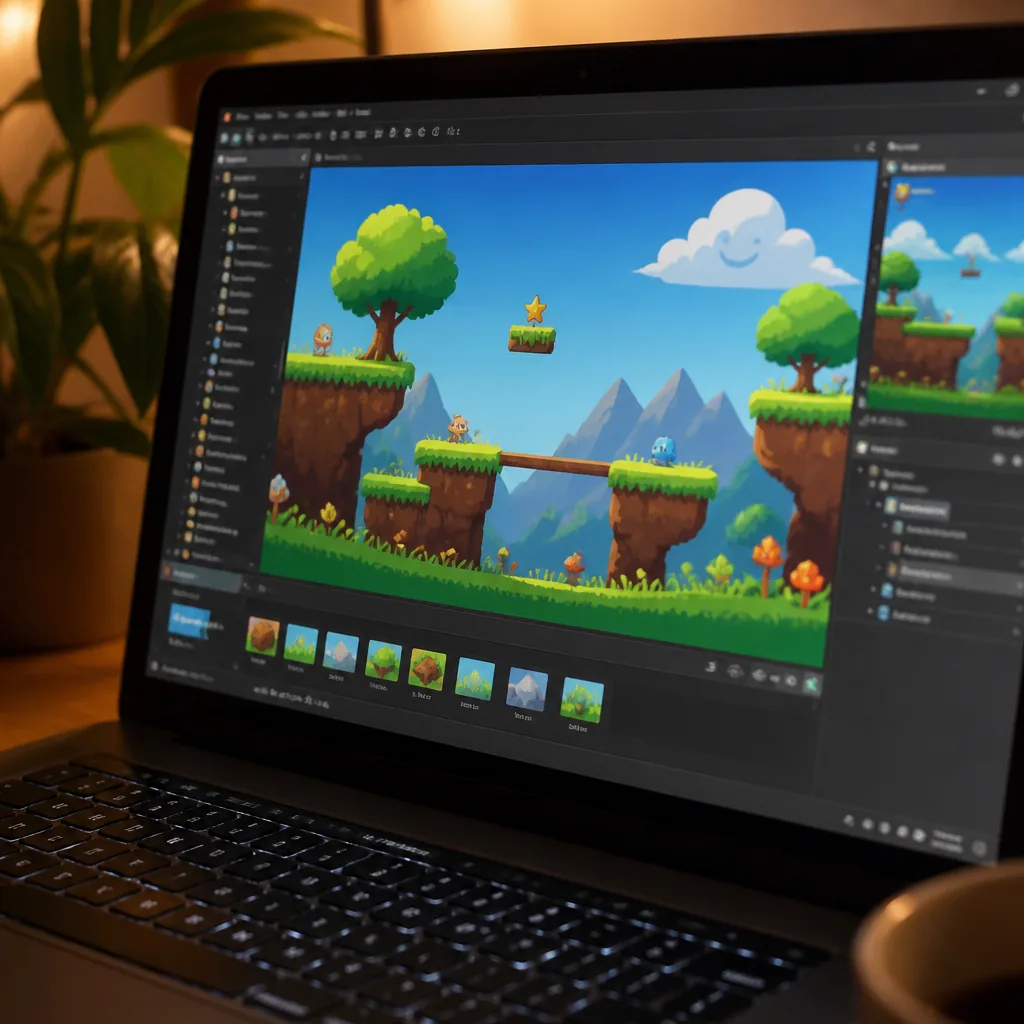 Core
CoreState machines, data-driven levels, save files and a clean update loop — the architecture that stops a project collapsing under itself.
8 tutorials · intermediate Ship it
Polish, package and put your build in someone's hands — feel, feedback, and the last-mile details that make it real.
5 tutorials · all levels
A sample lesson
Here's how a ByteLoom tutorial reads — small steps, each one runnable, with the reasoning kept in plain sight. This is the opening of the "juice" lesson from the beginner track.
Where you'll land
No vague promises. Here's the concrete stuff you'll walk away able to build, next to the short list of things that make the lessons click faster.

Who's writing
ByteLoom comes out of Goiânia, from years of building small games and teaching friends to do the same. I kept noticing that the tutorials people loved were the ones where they typed along and something worked — so that's all I write now.
"If a lesson doesn't end in running code, it isn't finished."
The guides lean on the Latin-American indie scene I know: scrappy, resourceful, allergic to gatekeeping. You bring the curiosity; I'll bring the worked examples and the honest notes on what went wrong the first time.
From readers who shipped
The whole point is a playable build, not a bookmark. Here's what a few readers said after they followed a track to the end.
 Mateo RestrepoHobbyist dev · Medellín
My jump finally feels good. I'd been fighting a floaty character for months, and the split-gravity trick fixed it in one afternoon. First time a tutorial ended with me actually changing four numbers and going "oh, that's it."
 Bianca AndradeWeekend hobbyist · São Paulo
I shipped my first playable build last Sunday — a tiny platformer my niece has already beaten twice. The "prototype in a weekend" track is honest about the boring parts, which is exactly why it worked for me.
 Diego SalasCareer-switcher · Córdoba
The state-machine lesson is the one that clicked. My movement code had turned into one 300-line monster and I was scared to touch it. Splitting it into idle/run/jump/fall states made it feel like real software again — I've been extending it ever since without breaking things.
 Priya NairSelf-taught dev · Bengaluru
What sold me was the packaging lesson. Nobody teaches the last mile, and I'd been stuck at "runs on my machine" forever. I sent a friend a build she could just open, and honestly that felt bigger than the code did.
Get the bundle
An ebook you can read anywhere, a live hands-on workshop, and — if you want to keep going — the full tutorial track. Prices in Brazilian reais. Pick the depth that fits.
R$ 79 one-time
R$ 249 one-time
R$ 39 / month
| What's included | Ebook | Ebook + Workshop | Membership |
|---|---|---|---|
| The full ebook (PDF + EPUB) | ✓ | ✓ | ✓ |
| All source projects | ✓ | ✓ | ✓ |
| Live 3-hour workshop | — | ✓ | ✓ |
| Workshop recording & files | — | ✓ | ✓ |
| Community thread | — | 1 month | Ongoing |
| Full tutorial track | — | — | ✓ |
| New workshops as they run | — | — | ✓ |
| Billing | One-time | One-time | Monthly |
Prices are in Brazilian reais. Start with the ebook and upgrade later if you want the workshop — we'll credit what you've already paid.
Say hello
ByteLoom is one developer in Goiânia, not a support desk. Read the story behind it, or send a message — I read every one and usually reply the same day.
The weekly build
Short and useful — the new guide, what it teaches, and the source. No filler, easy unsubscribe.
FAQ
The tutorials focus on ideas that carry across engines, with worked examples in a common 2D setup. If you can run a project and read code, you can follow along — the reasoning matters more than the exact tool.
If you've written a little code before, no. The beginner track starts from an empty project and explains each step. Complete newcomers do fine with a bit of patience — everything is typed out.
The full "Prototype to Playable" arc as a read-anywhere PDF and EPUB, plus every source project at each step, so you can compare your build against a known-good one.
It's a three-hour hands-on session online where we build a feature together, start to finish. You get the recording and the project files afterwards, so missing part of it isn't a problem.
Any time, from your account. You keep access through the end of the month you've paid for, and the ebook and workshop materials stay yours.
Bundle and membership come with the community thread, where I and other readers help each other through the tricky steps. It's the fastest way to get unstuck.

Tell us where to send it and we'll email your download link and payment details — nothing is charged on this page.